
The Camden County Court Calendar
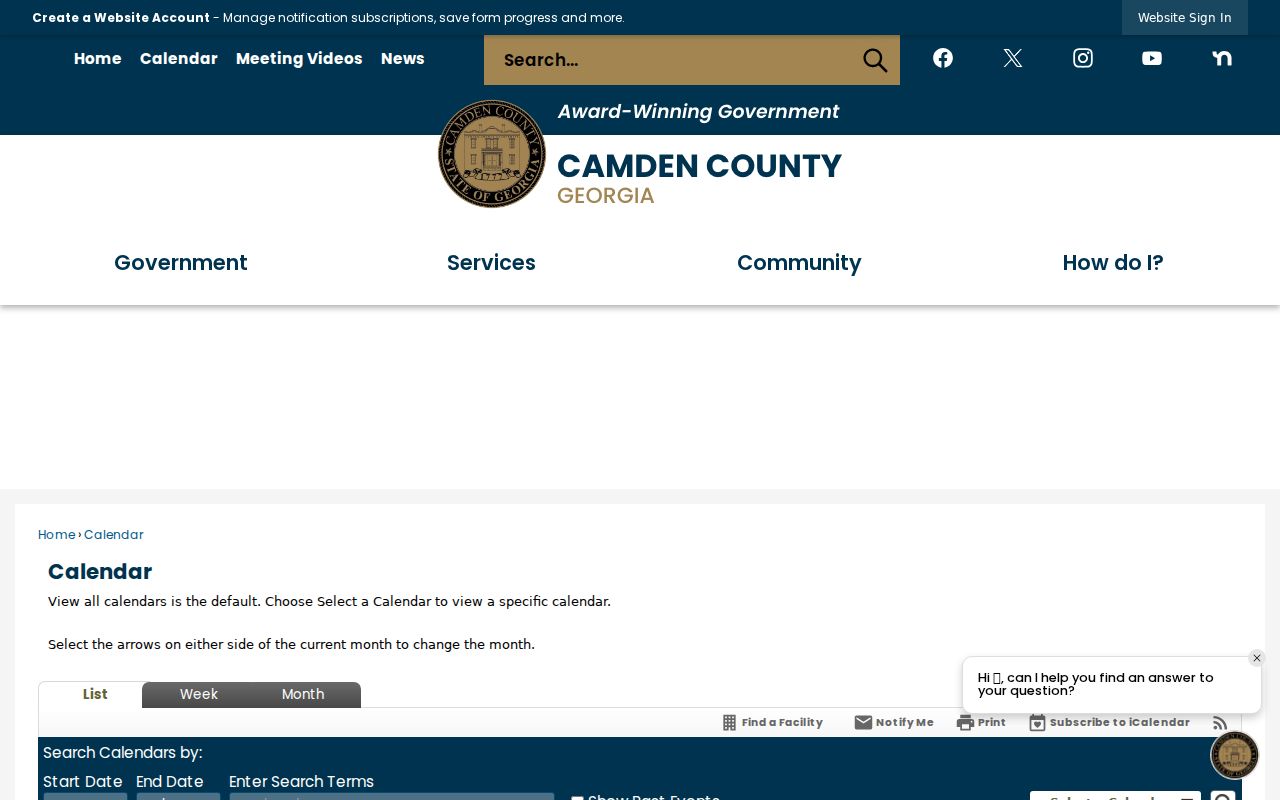
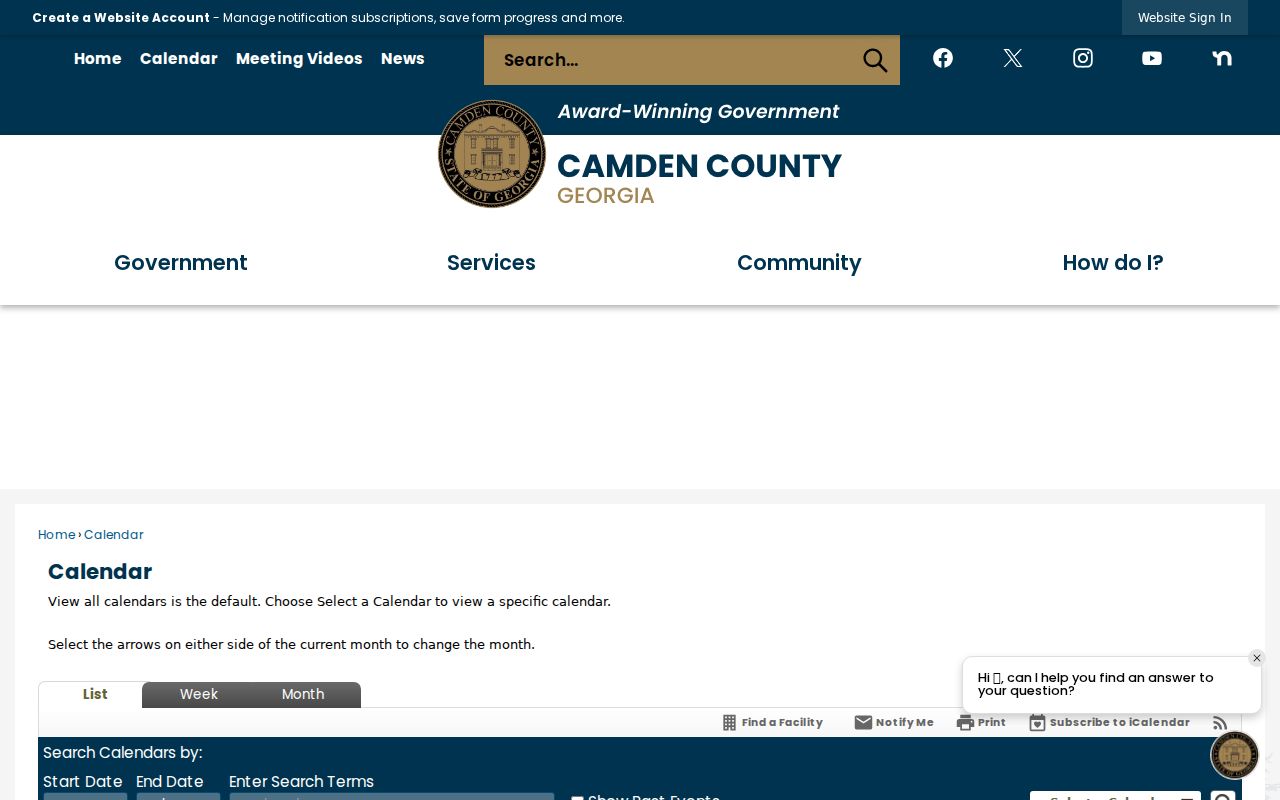
Camden County posts its settings on a CivicEngage calendar with 41 selectors. You can pick Magistrate, Probate, Superior Civil, Superior Criminal, or the Superior Master calendar. Treat it as a schedule listing only. The full case register lives with the Clerk of Superior Court. List, week, and month views narrow the dates. Controls for start and end dates, a word-or-phrase field, past events, print, iCalendar, and RSS are there too.
Choose one court calendar before you read anything. If every calendar stays checked, Civil Chambers gets jumbled. Elections, public works, or some other county event may mix in. Superior civil runs on category 64, criminal on 65, and the master calendar on 63. A notice may list a date and a location. It does not prove that every filing or later order made it in.
Filter Camden's 41 Calendars
Start at the official Camden County calendar. Clear the All Calendars box. Then pick the court named on your notice. Add a tight date range. If the event text carries a case number or phrase, that filter can narrow things further. Just know the calendar offers no party-name search across the register.
For civil matters in Superior Court, the court-specific calendar view lists that docket's hearings.
That court-specific view beats a broad county event search. It also keeps school board meetings and public works items out of a court-date check for Camden County.
How to Find Your Camden County Court Date
Start with your citation, summons, notice, or the newest order. That paper should name the court and may carry a case number. Superior matters go to the Superior Clerk. Probate traffic cases, Magistrate matters, and municipal tickets stay with their own offices. A transfer or appeal can move the file.
- Read the notice for the court, case number, date, and courtroom.
- Filter the county calendar by that court and a narrow date range.
- Open More Details and any linked current calendar PDF.
- Compare the PDF generation date with the current date.
- Use authorized CourtsCMWS or Georgia E-Access access if available.
- Confirm the full setting with counsel or the correct clerk.
Call Superior Clerk staff at 912-576-5631 or visit 210 East 4th Street in Woodbine, Monday through Friday, 9:00 a.m. to 5:00 p.m. Magistrate answers at 912-576-5658. Probate answers at 912-576-3785. The county publishes no public self-service terminal or daily printed docket, so do not assume either one exists.
Camden Calendar PDFs Can Age
The county's own event warning says a continuance, resolution, or scheduling conflict entered after a calendar was generated may not show up. So the report date matters a lot. A saved PDF can be right for the day it was made and still be wrong on court day.
Myth: A printed Camden County calendar guarantees the hearing will occur.
Fact: The latest signed order, current docket entry, or clerk confirmation controls.
The Superior master calendar source offers another official view.
Treat More Details as a lead only. Verify the setting against the newest court source.
Reading a Camden County Court Setting
Camden civil PDFs can list a report date, hearing date, time, judge, case number, filing date, party roles, attorneys, cause of action, remarks, and page count. Criminal calendar-call PDFs run shorter. They carry a generated date, call date and time, judge, item number, case number, party code, and a name column. These fields describe one appearance. They do not describe the whole file.
| Date | The scheduled date, checked against the report generation date. |
|---|---|
| Time | A calendar-call or case time, which may not predict session length. |
| Courtroom | The location or remote marker shown in current instructions. |
| Judge | The judicial officer assigned to that published setting. |
| Setting Type | Civil Chambers, Criminal Calendar Call, or another exact label. |
A civil cause-of-action field gives the broad subject of the case. Remarks may add schedule details or a remote-hearing note. Read neither one as a final ruling.
Camden Calendar Terms in Context
Local labels are scheduling terms. They should not become claims about the case outcome.
- Civil Chambers
- A Superior civil block that may include motions, status matters, or domestic cases.
- Criminal Calendar Call
- A review or appearance list, not the full criminal docket.
- Cause of Action
- The civil subject label on a chambers calendar.
- Remarks
- Notes that may carry schedule or WebEx information.
- Reset or Continuance
- A moved setting checked against the newest entry.
Some PDFs carry WebEx markers, but Camden County posts no single permanent remote-hearing link. A marker alone gives neither the information nor the authorization to join.
Resets, Continuances, and Cancellations
A reset or continuance moves a setting. A resolution or conflict can remove or change an event too. Camden's warning is blunt: later activity may never reach an older PDF. So a missing listing is never a dismissal.
Check the latest signed order first. Then ask the Superior Clerk or the lower-court clerk to confirm the court, date, time, courtroom, judge, and remote instructions. County holidays, closures, and judicial orders all move settings. The Camden County case search can pin down an exact case before you make that call.
Which Camden Court Controls
A city citation usually will not appear in the Superior calendar. Kingsland, St. Marys, and Woodbine keep their own city traffic and ordinance matters. Probate handles assigned county citations. Magistrate handles its own civil and preliminary matters. Juvenile records stay restricted. Picking the wrong calendar is the most common reason a valid setting looks missing.
Rank your sources this way: the latest signed court order or docket entry first. Current clerk confirmation comes next. Then a current official calendar event or a freshly generated PDF. An old PDF or a provider result comes last. That ranking keeps a Camden County date search tied to the office that can actually change the setting.
Camden Remote and Holiday Changes
A WebEx note in remarks is case-specific. Confirm the link, the access terms, and whether you must still appear in person. The clerk page also links a holiday calendar, and weather or courthouse changes can affect operations.
Never lean on a general county closure post alone. Match it to a court notice or call the right office. Clerk staff can report the record and calendar. Georgia law bars them from giving legal advice.
What to Do If You Miss a Setting
Call your lawyer and the clerk for that court right away. Ask if a warrant, bond action, new date, or order has been entered since the missed setting. Staff can tell you what the docket shows, though no one there can promise how the judge will respond.
Missed a Setting? A missed date can lead to serious case consequences depending on the court and matter.
Call the correct clerk and your attorney promptly to learn what the current docket says.
Get legal advice before acting based only on an old Camden County calendar.
Write down which office you called, the time of the call, and how the next setting was confirmed. Those notes are not an order. They just keep your next docket lookup from starting with stale information.
Camden Court Date Source Ladder
Camden County sources are not all equal, so work them in order. A signed order or the newest docket entry sits at the top. That is the court speaking in its own voice. Next comes direct confirmation from the clerk or the court coordinator. A fresh official event listing or a newly generated calendar PDF holds the middle rung. Camden County itself warns that later changes may not show up there. Anything older sits at the bottom: stale PDFs, provider results, copied notices, and third-party listings.
Conflicting dates? Climb the ladder. Start with the generated date printed on a Civil Chambers or Criminal Calendar Call PDF. Line it up against the newest notice in the case file. The two still disagree? Phone the office that maintains that court's docket. Have staff confirm everything. They can check date, time, judge, courtroom, remote details, and whether a reset or continuance has been entered.
| Source | What It Proves | Next Check |
|---|---|---|
| Current order or docket entry | The latest recorded court action | Confirm appearance details |
| Clerk confirmation | What the current court record shows | Note the office and time |
| Official calendar or new PDF | A published setting | Check generation date |
| Older PDF or provider result | Historical information | Verify with a current source |
This Camden County source ladder earns its keep after a holiday, a closure, a conflict, or a switch to remote hearings. A WebEx remark on a docket entry is not a standing public link. Get the current case-specific instruction before you rely on it.
Verify Camden Calendar Details
Before you travel, appear remotely, or respond to any setting, match the Camden County court calendar details against the newest case record. The docket wins.
Camden Calendar Source Checks
A solid Camden County court date check leans on more than one identifier. Match the case number, court, judge, party role, event label, date, and time. Only then treat two entries as the same setting. Civil Chambers PDFs sometimes add a cause of action, attorneys, remarks, and a page count. Criminal call calendars may list the charge, attorney, bond information, party code, and notes. Those fields help separate similar names, but neither list substitutes for the clerk's full docket. Any generated PDF can go stale after a reset. Recheck the county calendar close to the hearing date. For urgent settings, confirm with the records division or your counsel. When the web calendar, the PDF, and the docket disagree, the court or clerk wins. That source is authoritative.